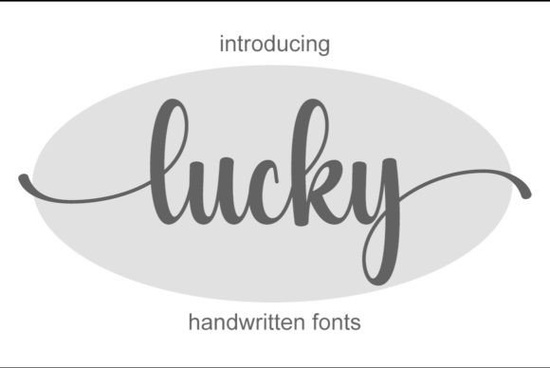
If you’ve been searching for a handwritten typeface that balances elegance with a natural, unforced feel, the Lucky Font deserves a close look. This script font has a delicate, flowing style that feels personal without being overly fussy. Whether you’re a designer working on branding, a small business owner creating social media graphics, or a hobbyist making wedding invitations, the clean lines and subtle alternates give you plenty of room to play.
What kind of projects work best with this handwritten font?
Handwritten fonts can sometimes feel too casual or too rigid, but Lucky sits in a sweet spot. Its elegant strokes make it a strong candidate for:
- Logos and branding – The natural flow adds a human touch to identity design, especially for boutiques, bakeries, or wedding planners.
- Social media posts – Use it for quotes, announcements, or headers; the readability holds up well even on mobile screens.
- Business cards – A handwritten font on a business card feels more approachable than standard sans serifs.
- Wedding invitations – The delicate curves pair beautifully with floral motifs or minimalist layouts.
- Product packaging – Small product labels or tags get a handmade feel without looking messy.
Because the font includes multiple letter variations (more on that below), you can avoid the “same letter repeat” look that sometimes makes script fonts feel artificial.
Why choose a handwritten typeface over a standard script?
Standard script fonts often have mathematically perfect connections and identical letterforms. That’s great for formal documents, but for creative work, a slightly irregular, hand-drawn feel often resonates more with audiences. Lucky Font provides that imperfect, human quality while still staying clean and legible. For print-on-demand sellers, this can make the difference between a product that looks mass-produced and one that feels handcrafted.
Another advantage: handwritten fonts tend to work well across both print and digital. The letter spacing in Lucky is generous enough that it doesn’t get cramped in smaller sizes, yet it doesn’t look stretched when used large on a poster.
How do you access all the special characters and alternates?
The font is PUA encoded, which means you can easily type extra glyphs – swashes, alternate letters, ligatures – without needing special software. In most design programs (Adobe Illustrator, Photoshop, Canva, etc.), you just open the Glyphs panel and click the variant you want. This is especially useful when you’re designing a logo or invitation and need a unique “A” or a longer tail on a “y”.
For example, if you’re making a wedding invitation with the Lucky Font, you can swap in a decorative swash for the first letter of the couple’s names, giving the text a custom calligraphy look. No extra drawing or scanning required.
Other script fonts you might like
If you enjoy working with handwritten styles, you might also want to explore Rainbow Font for a bolder, more playful look, or Casual Handwriting Font when you need something looser and more relaxed. For formal events, The Wedding Signature Font offers an elegant cursive that pairs nicely with Lucky. And if you’re designing couples’ branding, Ourstory Font Duo gives you a matching set of script and sans styles.
Each of these fonts is also PUA encoded, so you get the same flexibility with alternates.
Practical tip: test the font with your specific medium
Before committing to a final design, try setting a few words in Lucky Font at different sizes and on different backgrounds. Because it’s a handwritten style, the weight of the strokes can look lighter or heavier depending on whether you’re printing on matte paper or displaying on a bright screen. A quick test saves rework later.
Your next step: Download Lucky Font and open it in your design tool. Pick one project you’re currently working on – a social media graphic, a label, or an invitation – and try replacing the existing text with Lucky. Then spend a few minutes swapping in alternate glyphs for the first and last letters. That small change often makes the biggest visual impact.
Explore Design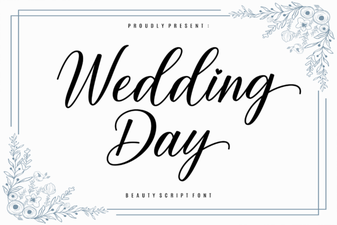 Creative Wedding Day Font Ideas for Your Invitations
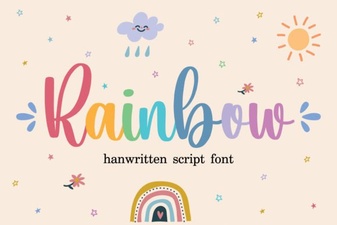 Colorful Typography Designs & Creative Projects
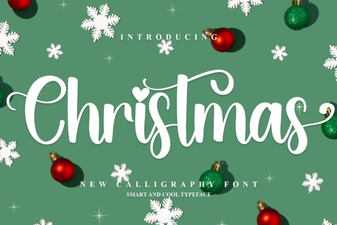 Festive Christmas Fonts for Your Holiday Designs
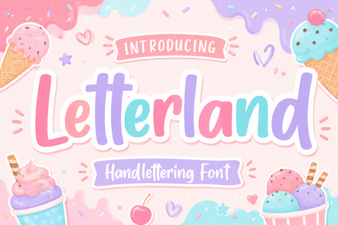 Creative Letterland Font Projects for Kids
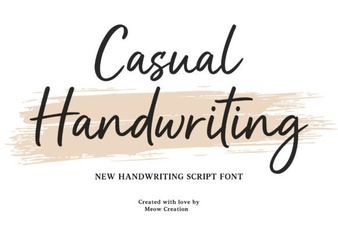 Casual Fonts for Creative Design Projects
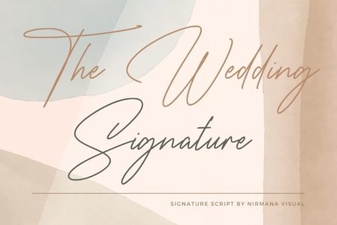 The Wedding Signature Font: Elegance for Your Invitations